
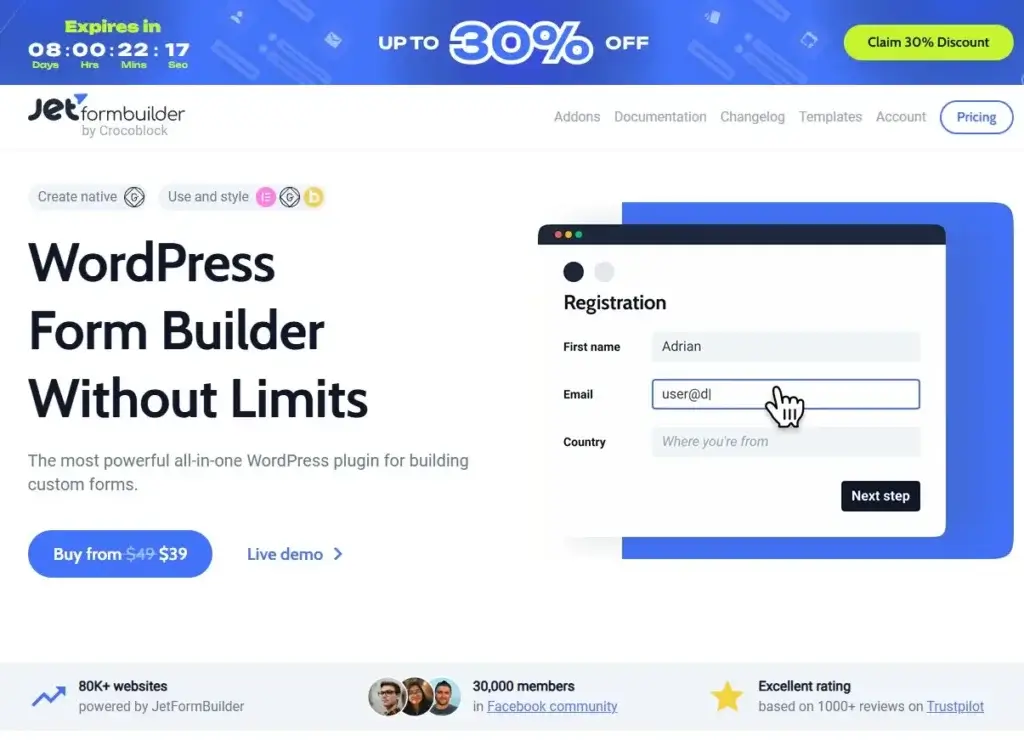
Get 30% OFF JetFormBuilder, including the excellent lifetime unlimited license, less than 8 days are left for the sale: Get Your Deal License Here >>
Introduction to JetFormBuilder
In the dynamic world of web development, forms are indispensable tools for interaction, data collection, and user engagement. For WordPress users, the native platform lacks robust form-building capabilities, often necessitating third-party solutions. This is where JetFormBuilder emerges as a powerful, free, and highly flexible plugin. Developed by Crocoblock, JetFormBuilder seamlessly integrates with the WordPress Block Editor (Gutenberg) to empower users to create a wide array of forms, from simple contact forms to complex multi-step applications with advanced logic and dynamic fields. Its core purpose is to simplify the form creation process while offering extensive customization options to match any website’s design and functionality.
Key Features of JetFormBuilder
JetFormBuilder stands out due to its rich feature set, designed to cater to both novice and experienced users. These features enable the creation of highly functional and interactive forms.
Ease of Use and Gutenberg Integration
One of JetFormBuilder’s primary advantages is its deep integration with the WordPress Block Editor. This approach, while initially perceived as a limitation by some Elementor users, actually opens doors to endless integrations and a streamlined workflow. Users can build form layouts by simply adding blocks, customizing their appearance, and defining their behavior directly within the familiar Gutenberg interface. The plugin provides a vast toolset for creating various form types, allowing for diverse layouts, multiple columns, and specific fields .
Form Fields and Customization
The plugin offers an extensive list of form fields to satisfy diverse data collection needs. Each field can be customized with labels, placeholders, and validation rules. For instance, a text field can be set as ‘Required’ with a custom error message, and an email field can automatically validate the input format . This granular control ensures data integrity and a user-friendly experience.
Post-Submit Actions
Beyond mere data collection, JetFormBuilder allows users to define what happens after a form is submitted. These ‘Post-Submit Actions’ are crucial for automating workflows. Options include saving data as a Custom Post Type item, sending confirmation emails, adding new users, or even integrating with external services. This functionality transforms a static form into a dynamic tool for managing website interactions .
Conditional Logic
Conditional logic is a cornerstone of advanced form building, enabling forms to adapt dynamically based on user input. With JetFormBuilder, users can set up rules to show or hide form fields, sections, or even entire steps based on previous selections. For example, a ‘Company’ field might only appear if a user checks an ‘I’m contacting as a business’ checkbox. This creates a more personalized and efficient user experience by presenting only relevant fields .
Multi-step Forms
For longer or more complex forms, multi-step functionality is invaluable for improving user experience and reducing abandonment rates. JetFormBuilder allows users to split forms into multiple steps using a ‘Form Break’ block. This breaks down extensive questionnaires into manageable segments, making the process less daunting for the user .
Calculated Fields
JetFormBuilder supports complex mathematical calculations within forms. This feature is particularly useful for order forms, quotation requests, or any scenario requiring dynamic pricing or numerical output based on user-provided values .
Repeater Fields
Repeater fields allow users to add multiple sets of the same fields dynamically. This is ideal for scenarios like adding multiple attendees to an event, listing several items in an order, or any situation where the number of inputs is variable. This flexibility enhances the utility of forms for diverse applications .
Dynamic Field Population
One of the most powerful features is the ability to dynamically populate form fields with data from various sources on the website. This can include data from custom post types, taxonomies, or custom queries. This dynamic functionality ensures that forms are always up-to-date with the latest information and can interact intelligently with the website’s content .
Integration with Elementor
While JetFormBuilder uses the native WordPress Block Editor for its backend logic and structure, it integrates seamlessly with Elementor for front-end styling and layout. This means users can leverage Elementor’s visual builder to design the appearance of their forms, ensuring they align perfectly with the website’s aesthetic without needing to style them in Gutenberg . The JetForm widget in Elementor allows for full visual customization, bridging the gap between functionality and design.
JetFormBuilder and JetEngine Combo
The true power of JetFormBuilder is often unleashed when combined with JetEngine, another Crocoblock plugin. This combination transforms forms into dynamic tools that interact intelligently with a site’s data. Key functionalities unlocked by this combo include:
- Dynamic field population: Automatically filling Select, Radio, and Checkbox fields with data from JetEngine’s custom post types, taxonomies, or custom queries.
- Custom option layouts: Designing the appearance of checkbox and radio options using JetEngine listings.
- Prefill with Option Pages and Glossaries: Reusing stored data to auto-populate fields or create consistent dropdowns.
- Context-aware data: Displaying relevant information based on the current post, logged-in user, or query variables.
- REST API integration: Fetching or updating external data directly through forms.
- Conditional field updates: Making fields interact with each other in real-time.
- Relations-based filtering: Displaying only related items after a user selection.
- Smart validation and extra data: Applying custom messages, checking conditions, or implementing coupon logic based on query results.
- Update site data on submit: Creating or updating relationships, modifying Option Pages and Data Stores, or connecting/disconnecting posts, users, and terms after form submission.
- Front-end dashboards: Building user-facing dashboards for managing content and relationships directly through forms .
This synergy allows for the creation of highly sophisticated web applications and user interfaces directly within WordPress.
Use Cases For JetFormBuilder & It’s Awesome Addons
JetFormBuilder’s versatility makes it suitable for a wide range of applications across various types of websites:
- Contact Forms: The most basic yet essential use, allowing visitors to easily get in touch.
- User Registration and Login Forms: Creating custom registration and login experiences, often integrated with user roles and profiles.
- Booking and Appointment Forms: Facilitating scheduling for services, events, or consultations, especially when combined with plugins like JetBooking .
- Order Forms: Building custom product order forms, often with calculated fields for dynamic pricing.
- Surveys and Quizzes: Collecting feedback, conducting polls, or creating interactive quizzes with conditional logic.
- Job Application Forms: Handling detailed applications with file uploads and multi-step processes.
- Event Registration Forms: Managing attendee information and preferences for events.
- Subscription Forms: Building newsletter sign-ups or membership forms.
- Dynamic Content Submission: Allowing users to submit content (e.g., listings, reviews) to the website, which can then be managed as custom post types via JetEngine.
The Free Version: A Powerful Starting Point
JetFormBuilder offers a remarkably feature-rich free version, making it an excellent choice for many WordPress users. The free plugin provides core functionalities such as an intuitive drag-and-drop interface within the Gutenberg editor, a wide array of field types (text, email, textarea, radio, checkbox, select, etc.), conditional logic, multi-step forms, and various post-submit actions like sending emails, saving records, and creating new users. This robust free offering allows individuals and small businesses to create highly functional and interactive forms without any initial investment, making it accessible to a broad audience. It serves as a solid foundation for building essential website interactions and collecting valuable user data.
Why Upgrade to the Paid Version?
While the free version of JetFormBuilder is incredibly powerful, the paid version, often referred to as the Pro version or through Crocoblock subscriptions, unlocks an even greater array of functionalities and integrations. The primary reason to upgrade is to access premium add-ons and deeper integrations with other Crocoblock plugins like JetEngine, which transform forms into dynamic data management systems. The paid version typically includes advanced features such as more sophisticated post-submit actions (e.g., integrating with CRM systems, payment gateways, or advanced email marketing tools), expanded field types, and priority support. For businesses and developers who require complex workflows, seamless data synchronization, and robust automation capabilities, the investment in the paid version is justified by the significant increase in power, flexibility, and efficiency it brings to their WordPress sites.
Why You Should Have JetFormBuilder In Your Toolkit
JetFormBuilder is a robust and highly capable form builder for WordPress that goes far beyond basic data collection. Its seamless integration with the Gutenberg editor, extensive array of field types, powerful post-submit actions, and advanced features like conditional logic, calculated fields, and dynamic population make it an invaluable tool for any website. When paired with JetEngine, it unlocks even greater potential, allowing for the creation of complex, data-driven applications. For website owners looking for a flexible, efficient, and comprehensive form solution, JetFormBuilder offers a compelling choice.