
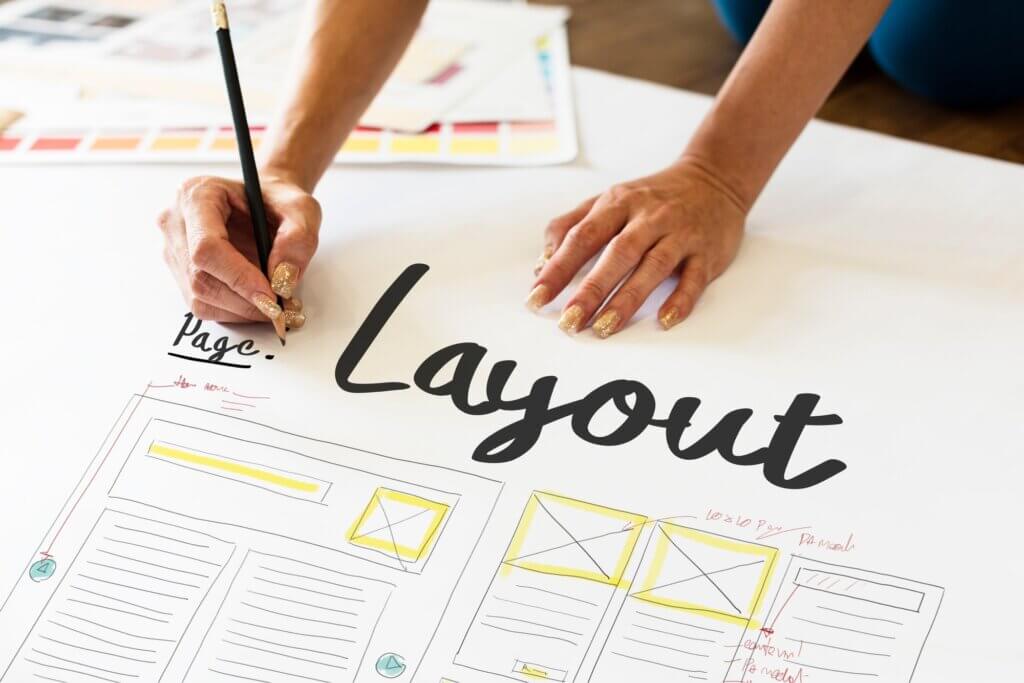
Choosing the right page builder for WordPress is like choosing your toolbox as a web designer: you want something powerful, reliable, and not overcomplicated. Having tested and built hundreds of sites over the years, I’ve narrowed down my go-to builders—the ones I trust not to break on launch day and that actually help me deliver fast, beautiful websites without a fight.
Here’s a no-BS breakdown of the best drag-and-drop WordPress builders right now, based on real use, speed, flexibility, and community support. I’ve also added direct links to video reviews if you want to see them in action.
1. Elementor – The Flexible Workhorse
If you’re building websites regularly, you’ve either used Elementor or had a client ask for it. It’s flexible, fast to learn, and integrates beautifully with most WordPress setups.
Visual Editing with a sidebar that just makes sense
Theme Builder for headers, footers, archives, and more
Advanced Workflow Features like Global Widgets, Site Settings, and Custom Code
RTL Compatibility: Hands down the best page builder for right-to-left languages like Hebrew and Arabic
Performance: Can get heavy, but plays nicely with caching plugins
Thriving Ecosystem with add-ons, templates, and third-party extensions
Pros:
Excellent RTL support and multilingual compatibility
Intuitive interface even for non-tech users
Large community and resource library
Deep integration with marketing tools and WooCommerce
Cons:
Can get bloated without optimization
Some key features are locked behind the Pro version
👉 Try Elementor (affiliate link)
Best for:
Freelancers, marketers, and anyone who wants control without code.
2. Divi – Design Freedom with a Lifetime Deal
Divi is polarizing—some love it, some hate it. I fall somewhere in the middle. For clients who love fancy design and lots of built-in features, it’s a win.
Inline Editing that feels smooth and intuitive
Massive Template Library with 2,000+ designs
A/B Testing built right in (huge for conversion geeks)
Built-in Marketing Features: Email opt-ins, lead capture tools, and split testing
Lifetime Access makes it a great long-term investment
Pros:
Lifetime license = huge long-term savings
Lots of built-in marketing modules
Great for complete site design without extra plugins
Cons:
Can feel sluggish on heavy sites
Interface takes time to get used to
👉 Try Divi (affiliate link)
Best for:
Designers who want creative control and agencies with many clients.
3. Beaver Builder – Stability First
Beaver Builder is like that quiet developer on your team who never breaks anything. It’s clean, reliable, and outputs SEO-friendly code. No fluff.
Solid Frontend Editor with intuitive drag-and-drop basics
Developer-Friendly Output: Clean code, schema support, minimal bloat
White-labeling options for agencies
Compatibility First: Plays well with nearly every theme and plugin
Fast Learning Curve and reliable support
Pros:
Rock-solid reliability
Great for SEO and fast performance
Easy to white-label for clients
Cons:
Less flashy design options
Smaller ecosystem compared to Elementor/Divi
Best for:
Developers, agencies, and anyone tired of buggy updates.
4. Bricks Builder – For the Performance Nerds
Bricks is gaining serious ground with the power-user crowd. It’s fast, lightweight, and integrates deeply with dynamic content tools like ACF and MetaBox.
Theme Builder + Loop Builder for dynamic design freedom
Full Control Over Markup & Performance
Dynamic Data Integration: ACF, MetaBox, JetEngine, and more
Developer Toolkit: Custom attributes, conditions, and query loops
One-time Lifetime Pricing – big appeal for pros
Pros:
Exceptional performance and clean code output
Great for dynamic content and CPT-heavy sites
Lifetime license available
Cons:
Still relatively new = fewer templates and 3rd-party add-ons
Learning curve for non-tech users
Best for:
Advanced users, devs, and SEO-conscious builders.
5. WPBakery – Old Dog, Still Useful
Let’s be honest: WPBakery isn’t winning UX awards. But if you’re working with an older theme or a client’s legacy site, you’ll run into it—and it’s still kicking.
Backend and Frontend Editor (not the prettiest, but functional)
Massive Plugin Add-on Ecosystem
Legacy Theme Compatibility is unmatched
Highly Customizable Content Blocks, but requires more effort
Pros:
Compatible with many pre-built themes
Large library of content elements and add-ons
Still supported and updated
Cons:
Clunky interface
Code output isn’t as clean
Locked into WPBakery if you start with it
Best for:
Legacy Use Cases, not new builds
Maintenance work, legacy projects, and “it came with the theme” situations.
6. Gutenberg – Native, Fast, and Getting Better
Gutenberg is a page builder that is built into WordPress and replaced the Classic Editor (Which you can still install and replace back).
Having the page builder built in is a huge plus for speed and long-term support. While it’s still catching up on design flexibility, it’s more than enough for blogs, simple sites, or minimal landing pages.
Full Site Editing (FSE) is now production-ready
Performance-First Approach – minimal overhead
Reusable Blocks, Patterns, and Template Parts
Zero Lock-In: You’re never stuck with a plugin
Pros:
Native and lightweight
Excellent SEO and load times
Always improving as part of WordPress core
Cons:
Limited styling and interactivity (compared to builders)
Fewer design controls out of the box
Best for:
Lightweight Projects and native WordPress fans
Bloggers, publishers, or minimalists who want things fast and clean.
Pick a Tool and Start Building
This article might help you eliminate some of the options and perhaps make a more knowledgeable decision, but you won’t know what tool is perfect for you, your needs and your clients until you try them. Personally I recommend using Elementor for most websites, it’s easy to use and has enough flexibility for upgrading your website in the future.
You’ll have a learning curve on any of the options so a long-term decision would be best.
In conclusion:
Elementor – Best all-rounder (and best for RTL)
Divi – Best design features and lifetime value
Bricks – Best for developers and performance
Beaver – Most reliable and developer-friendly
WPBakery – When you have no other choice
Gutenberg – When speed and native simplicity matter
Need hosting to go with your website? Check out our WordPress hosting comparison and find the base that matches your builder requirements.
Got questions or want more real-world comparisons? Drop a comment below or hit us up—we’re here to help you build smarter, faster websites.